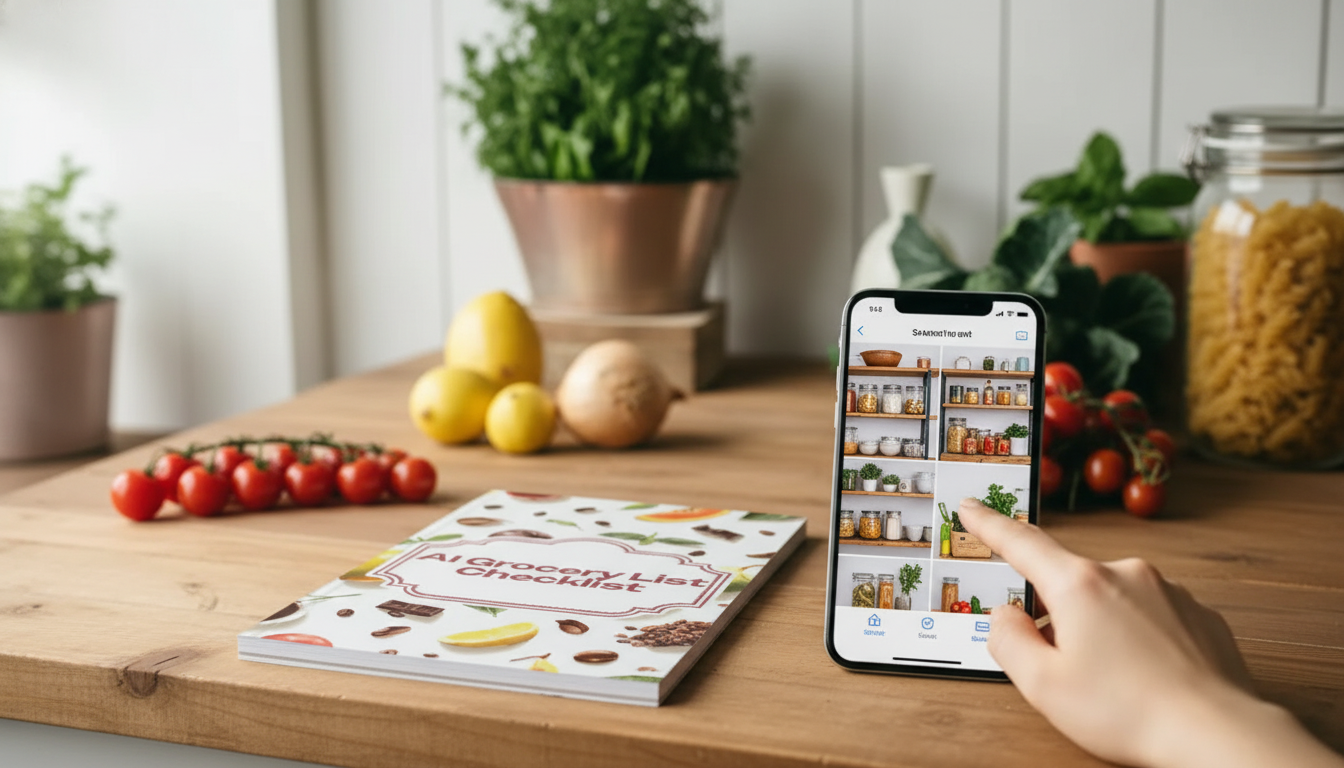
A smart grocery list should reduce repeat purchases, prevent missed staples, and make planning faster. This digital checklist is designed to help convert photos of your fridge, pantry, or receipts into an organized grocery list you can review, edit, and take shopping in minutes. Instead of trying to remember what’s hiding behind the milk or which pantry staple is down to its last serving, a quick round of photos creates an instant “inventory snapshot” you can translate into a clean, store-friendly list.
The AI Grocery List Checklist digital download is a structured, repeatable checklist built for faster grocery planning—especially helpful when your “list” usually lives across multiple places (fridge shelves, pantry corners, receipts, and random meal notes).
Once you have a consistent category format, it’s easier to spot gaps (like “no breakfast protein” or “no cooking oil”) before you’re already in the store.
The biggest advantage of photo-based planning is that it mirrors how the kitchen actually gets used: you notice what’s low while you’re cooking, packing lunches, or grabbing a snack. A simple routine can take less than ten minutes.
If you also want to reduce food waste, freshness guidance can help you prioritize what to use first. The USDA FoodKeeper App is a practical reference for storage timelines, which pairs well with a “cook-this-first” note on your list.
Category-based lists reduce decision fatigue and keep you from bouncing between aisles. They also make it easier to compare what you need now vs. what can wait until next week.
| Category | Examples to Capture From Photos | Quick Notes |
|---|---|---|
| Produce | Spinach, tomatoes, apples, lemons | Prioritize items that spoil fastest |
| Dairy & Eggs | Milk, yogurt, butter, eggs | Check dates and current quantities |
| Pantry | Rice, pasta, canned tomatoes, olive oil | Mark staples that need restocking thresholds |
| Frozen | Frozen veg, berries, dumplings | Confirm freezer space before adding bulk |
| Household | Dish soap, paper towels, trash bags | Add size/brand to avoid mismatches |
Photos are fast, but they’re not always tidy. A few small habits make your list clearer and prevent “phantom duplicates” (like three entries for the same yogurt).
For food safety basics while you’re restocking and putting groceries away, the FDA’s tips for safe food handling are a solid reference for temperature, storage, and cross-contamination reminders.
Shared groceries are where lists usually fall apart—someone assumes an item exists, another person buys it again, and staples run out at the worst time. A category checklist makes shared shopping less chaotic.
Nutrition goals can also be easier to maintain when the list is organized. For a practical overview of balanced choices and building better habits, Harvard’s Nutrition Source is a helpful, evidence-based guide.
Bright, close, section-by-section photos of fridge, pantry, and freezer shelves work best, along with quick shots of receipts. Focus on items that are low or empty and avoid glare so labels and quantities are easier to capture.
Yes—add recipe screenshots or meal plan notes, then list the missing ingredients by category. Keep weekly staples separate from meal-specific items so the list stays clear and easy to shop.
Use consistent names for the same item, check off anything already added, and consolidate sizes/brands where it matters. A quick final review category-by-category before shopping helps catch repeats.








Leave a comment